
Interactive · get online
What's the best way to get online?
Tap your situation. We rank what actually works for a foreign traveler — and whether blocked apps like Google & Instagram will open.
NEEDED
01What's actually blocked
China's "Great Firewall" blocks a chunk of the Western internet you use without thinking. The big ones: Google in full (Search, Maps, Gmail, Drive), WhatsApp, Instagram, Facebook, X and YouTube, plus a long tail of Western news sites. The block is on the network, so it follows any data running through a Chinese carrier or local wi-fi — not your specific phone.
Plenty still works untouched: Apple services (iMessage, Apple Maps, the App Store), Microsoft (Outlook, Bing), and of course the local apps you'll lean on — WeChat, Alipay and the Chinese maps. The trick is simply getting your data to enter the internet outside the firewall, which is exactly what a travel eSIM or roaming does.
| Blocked | Works without help | |
|---|---|---|
| Search & maps | Google Search, Google Maps | Apple Maps, Bing |
| Messaging | WhatsApp, Messenger | WeChat, iMessage |
| Social | Instagram, Facebook, X | RedNote, Weibo |
| Video & mail | YouTube, Gmail | Bilibili, Outlook |
02The eSIM fix: data that isn't censored
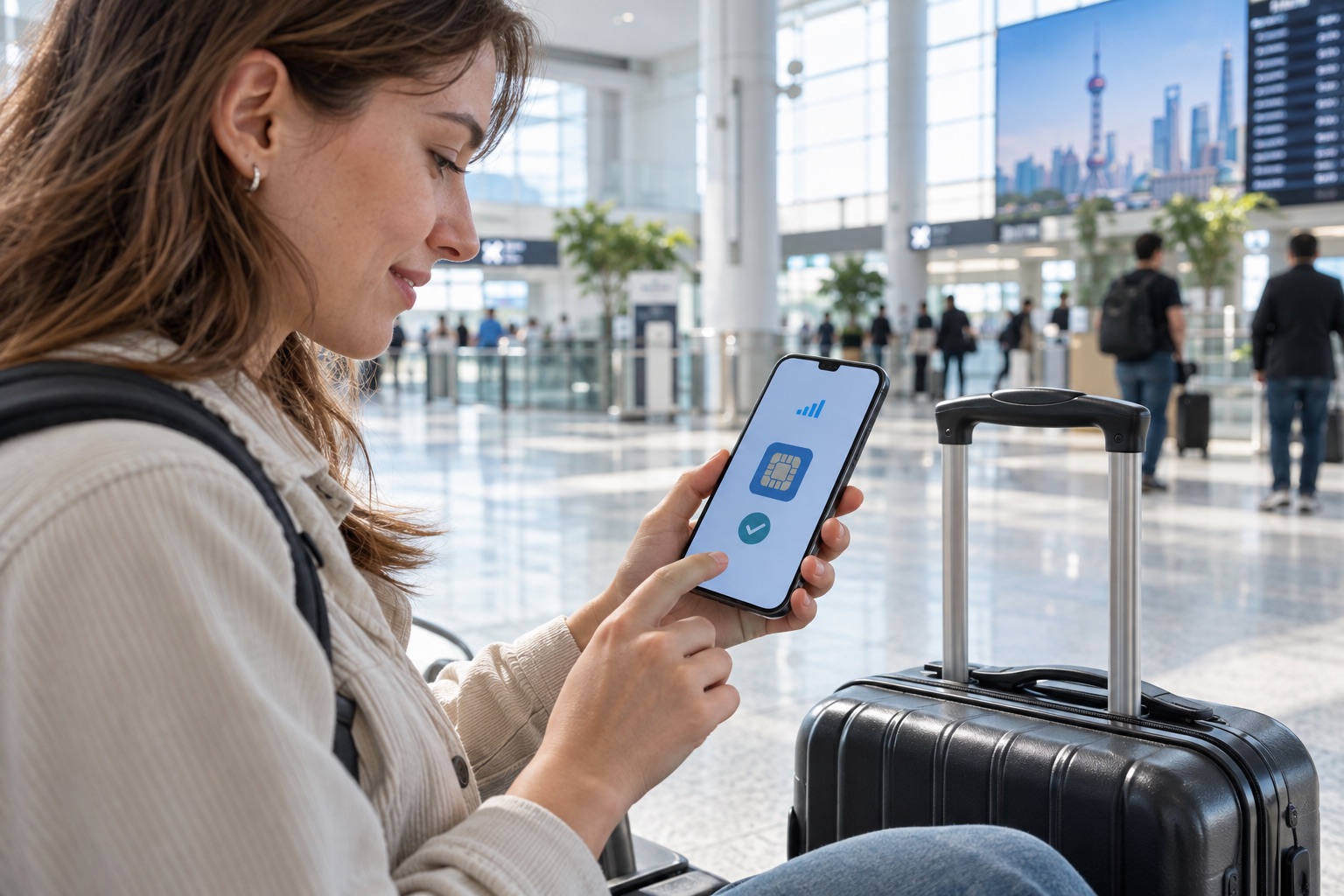
The cleanest answer for most travelers is a China travel eSIM from an international roaming provider. Because it routes your data out through Hong Kong or another country, your traffic normally skips the filtering applied to mainland connections — so Google, WhatsApp and Instagram generally open without a VPN. It's a digital SIM, so there's no chip to swap: you install it from a QR code. Two things to get right: buy a plan that states it routes overseas, and test it the day you land. What matters is the routing, not the eSIM itself — an eSIM bought from a mainland Chinese carrier is a local number like any other and sits inside the firewall.
Two conditions: your phone must be unlocked and eSIM-capable (iPhone XS or newer, recent Pixel and Samsung flagships), and you should pick a plan that explicitly advertises uncensored / "no VPN needed" routing. Keep your home SIM in the phone too — you'll want it for the SMS codes your bank and Alipay text you.
03Set it up before you fly
Do this at home on wi-fi, not jet-lagged at the airport. Installing an eSIM takes about 10 minutes, and the one rule that catches people out applies to VPNs too: set everything up before you land, while you can still reach the wider internet.
- Check your phone is unlocked and eSIM-capable — iPhone XS+, recent Pixel or Samsung. In settings, "Add eSIM" or "Add Cellular Plan" should exist.
- Buy a China (or China + Hong Kong) travel eSIM online, before you fly, and confirm it advertises overseas routing / no VPN needed. Buy more data than you think you need: once you are inside mainland China, buying or installing another plan often fails — providers' sites and app listings may be unreachable from here — and whether you can top up an active one varies by provider. Treat this step as one-way and carry a spare rather than counting on a top-up.
- Install the eSIM at home over wi-fi by scanning its QR code — install only, don't necessarily activate yet. Label the line "China".
- Keep your home SIM active for incoming SMS — that's where bank and Alipay 2FA codes arrive. Turn its data roaming off to avoid bill shock.
- On landing, switch the eSIM on as your data line. Maps, WhatsApp and Instagram should just work. If you'll also want a VPN as backup, install and test it now — before you fly.
04Do I actually need a VPN?
Probably not — and this is the part travelers get backwards. If you're on an uncensored travel eSIM or home roaming, you do NOT need a VPN: your data already exits outside the firewall, so the blocked apps just work. A VPN only matters when your data runs through the firewall — i.e. you're on a local Chinese SIM or local wi-fi and still want Google or Instagram.
If that's you, the rule is absolute: install and test the VPN before you fly. VPN providers' websites and app listings are themselves blocked inside China, so you can't download or activate one once you've landed. Stick to a reputable paid VPN — free ones are slow and unreliable here — and know that performance fluctuates, so keep a second method as backup.
Set up your VPN before you land. Their sites are blocked inside China, so arriving without one installed means you can't get it at all. On the legal side, be clear-eyed: only channels approved by the authorities are lawful, setting up or using an unauthorised one is prohibited, and fines run to ¥15,000. Official guidance does not carve out an exception for personal or visitor use, so an eSIM is the better answer — it is an ordinary telecoms product rather than a workaround.
05Questions people ask before they go
Are Google, WhatsApp and Instagram really blocked?
Yes. The Great Firewall blocks Google (Search, Maps, Gmail), WhatsApp, Instagram, Facebook, X and YouTube, among others. You reach them through an uncensored travel eSIM or roaming, or a VPN installed before arrival.
Do I need a VPN as a tourist?
Not if you use a travel eSIM or home roaming that routes overseas — those bypass the firewall and your apps just work. A VPN is only needed on a local Chinese SIM or local wi-fi.
Will an eSIM let me use Google Maps and WhatsApp?
Yes, if it routes overseas. Most China travel eSIMs tunnel data through Hong Kong or another country, so blocked apps open normally with no VPN. Check the plan advertises uncensored access before buying.
Can I download a VPN after I arrive?
Usually not. On a local SIM or public wi-fi, VPN websites and app listings are blocked, so getting one after you land often fails. Install and test it before you fly — or skip the question entirely with an eSIM that routes overseas.
Is using a VPN legal?
Not really a grey area in the law — only channels approved by the authorities are lawful, setting up or using an unauthorised one is prohibited, and fines run to ¥15,000. Official guidance applies that to personal use as well, though enforcement against short-stay visitors is uncommon. It is one more reason to prefer an eSIM, which needs no workaround at all. This is general information, not legal advice.